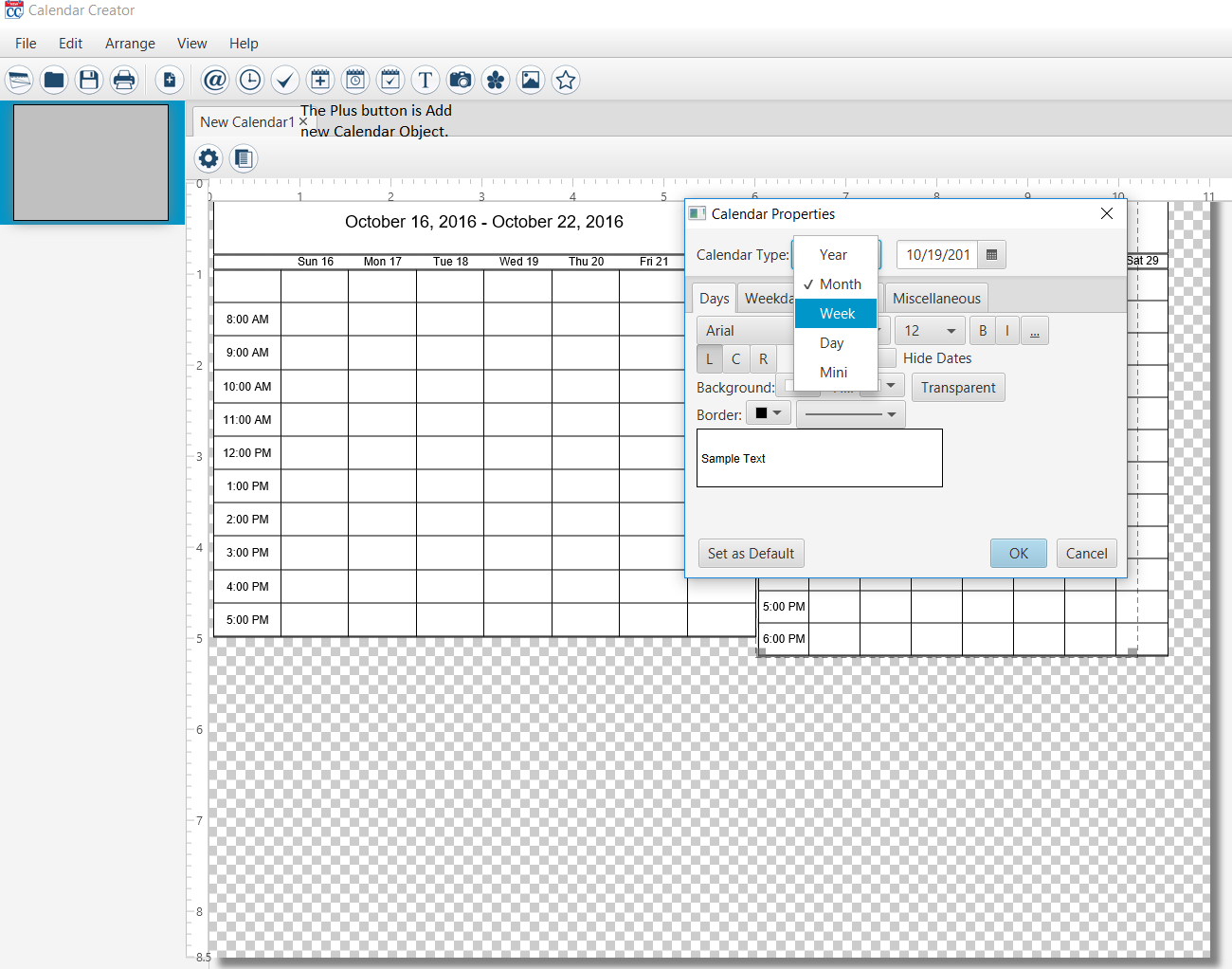
It is very easy to add multiple weeks to a calendar from scratch. Start off by clicking on the Add new Calendar object button.
Choose weekly from the drop-down bar and choose your dates. Click on OK and your week will appear on your project.
Repeat the process for additional weeks. Add graphics to your project as necessary.
[image]local://upfiles/5151/8C58A485AF6740E6A2B47518BB498098.png[/image]