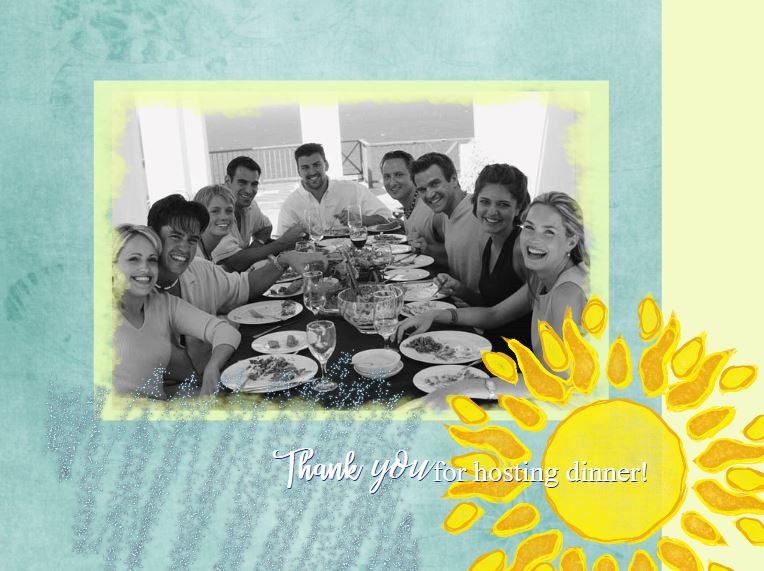
A friend of mine told me that she hated getting e-cards. She felt that the sender put no effort in sending a link to a pre-made greeting that comes with ads and the knowledge that your email address was submitted without your say-so.
That’s why using Print Shop to make your cards is much more appreciated by your recipients. Whether you send a printed card in the mail or email a digital image, you can create your greeting with Print Shop and make it special with personal photos and messages.
[image]local://upfiles/72/89E824307CA14537BC10C1C7D22F79FE.jpg[/image]

Used the fill shape with photo tool.
[image]local://upfiles/72/08248EAE485F4056813765CA2B05C3C1.jpg[/image]

Added a dark red shadow to the cropped photo.
[image]local://upfiles/72/13D8E0D16EC04E9D8EFA24C74A0FF3FD.jpg[/image]

Added a background from the clipart gallery.
[image]local://upfiles/72/9C4A55A6D2D749A6841BD45FED36B644.jpg[/image]
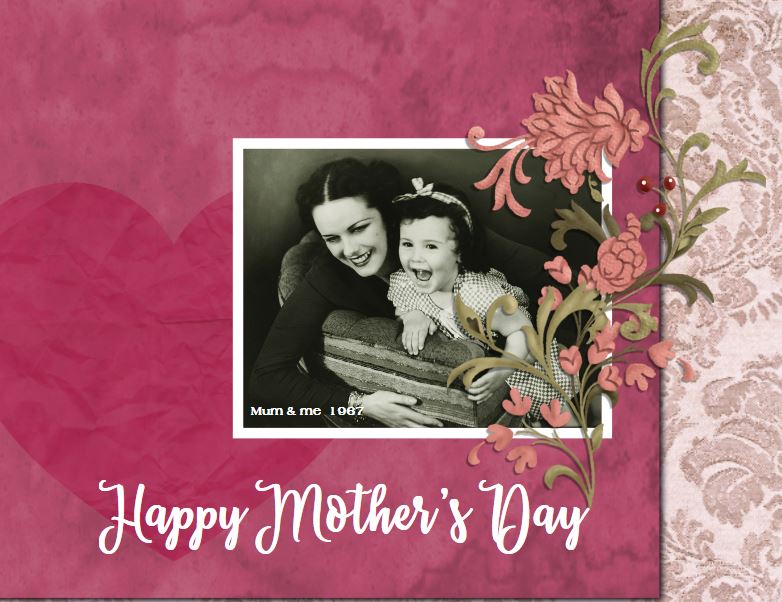
Added a photo overlay from the clipart gallery.
[image]local://upfiles/72/2E27D7B4009A449F8674C761532F2D27.jpg[/image]

Added a triple circle frame from the clipart gallery. Cropped the photos into circles to place under the frame.
[image]local://upfiles/72/9933DAB2F1314EA68CD480BC2EA9D269.jpg[/image]

I copied the text box and changed the color of the words. I offset the two text boxes to make the text stand out (rather than applying a shadow which I find makes the text blurry).
[image]local://upfiles/72/83F9CA0932F2431898E9320137B9FEF9.jpg[/image]