How do I print just 1 or 2 cards, not the entire page of 10. I’ve tried selecting the ‘starting position’ with number 8 (for example), ‘number of items’, 3, ‘number of copies’, 1. But it still prints all 10 cards. Please, can you explain what I should do? Thanks
You are doing everything correctly, but your printer driver probably just needs to be updated. I tried two different printer drivers - one printed all 10 cards, the other printed cards 8, 9, 10.
I also have a Hallmark Card software program, and I can currently print 1,2 or any number of cards starting from any position. But perhaps my printer drivers need updating to accommodate Print Shop. I will try to update them. Thank you for the suggestion.
Yes, this is probably the case. Print Shop 3.5 is a fairly new, Win 8 compatible program.
Drivers are all updated, but the problem still persists. Print Shop prints all 10 business cards instead of what I select. I also tried to create and print a page of 10 shipping labels, and it will only print one right in the middle of the page. I think I am going to return this software and shop for another.
I have boxed up the Print Shop software, uninstalled it from my computer and will put it in the mail to return tomorrow.
Thanks,
I’m sorry it’s not working for you. A really good desktop publishing program is Serif PagePlus (sold on Broderbund.com). You can download the free limited version at serif.com to see if you like it enough to get the full version.
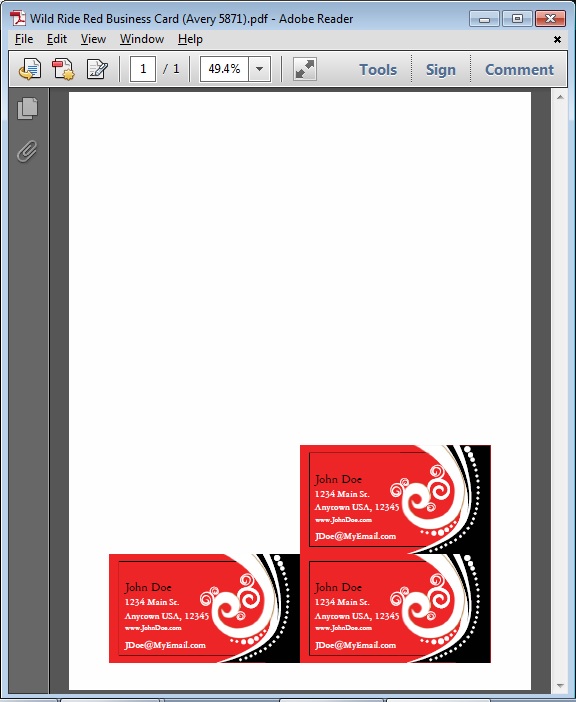
Also, here is a workaround you can try as a last resort. Print your business card/label project to the cutePDF printer. Free download here:
http://www.cutepdf.com/Products/CutePDF/writer.asp
Here is a screen capture of the resulting PDF. Hard to see on this screen capture, but the quality is excellent because cutePDF embedded the fonts. You’ll have no trouble printing the PDF.
[image]local://upfiles/9017/3ADB15FC562643A18DA3E7B3981468AD.jpg[/image]
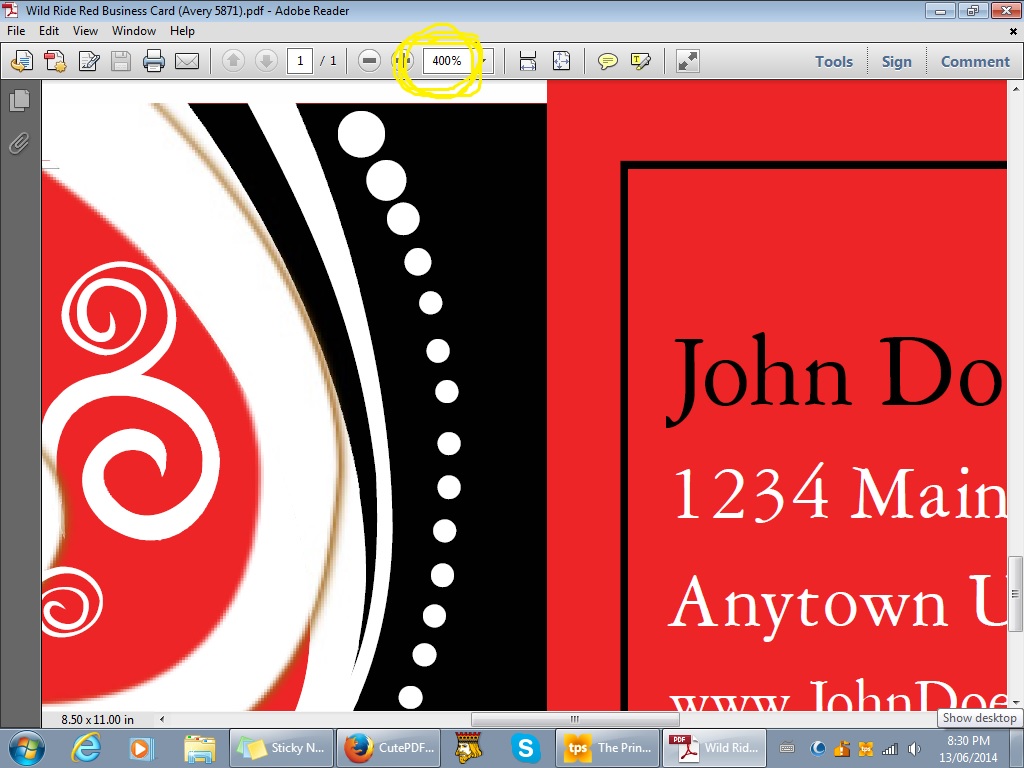
Oh, darn, I’m too late. Just wanted to show you the PDF at 400% zoom.
[image]local://upfiles/9017/49292F3F60A54732A61FBDA337187160.jpg[/image]
Thank you!! I will check out both.
Karma