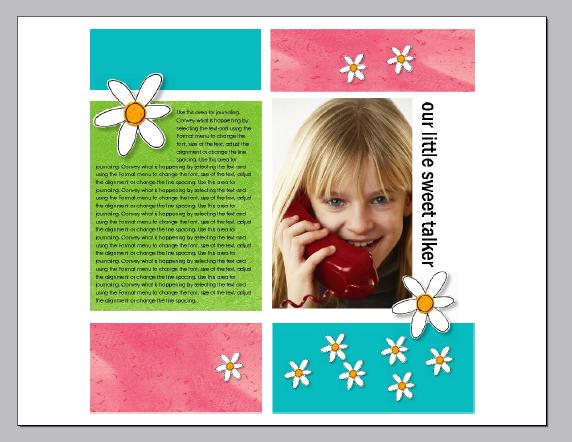
I have a MAJOR problem. I began an family history book in scrapbook page setup. 200 pages later, hundreds of text boxes and photos later, the professional printer has asked me to put this in 8 1/2 x 11 page setup before it can be professionally printed. I spent 4 months on this project and I can not find any easy way to change it from scrapbook to regular paper size…
Anyone have any suggestions? Is there an easy way to do this or do I have to restart this project??? (HOPE NOT!)
Doesn’t your professional printer require JPGs or PDF? If so, scrapbook setup, whether 12x12 or 8x8 is fine.
PDFs can be printed from Adobe Reader, scaled to fit the page.
JPGs, likewise can be printed, scaled to fit the page.
So you really don’t have a resizing problem. What you have is the chore of making 200 JPGs or several PDFs. One PDF is ideal, but probably impossible because of the huge file size of 200 high resolution pages.
You’re welcome. I work in a print shop and my advice to customers who have done digital scrapbooking and want professional color laser prints, is to export each page as a high res JPG. Save all the JPGs in one folder and bring that in on a CD or flash drive. Then we can mass print the JPGs as “full page print centered and rotated to fit”.
You would get sheets like this: (if your scrapbook pages were square)
After printing, we could cerlox bind the pages with card stock covers.